MacGuard
Building a world-class experience.
MacGuard is a comprehensive macOS system utility application designed to give users complete control over their Mac's performance, storage, and startup behavior. Built entirely with Swift and SwiftUI, MacGuard combines multiple essential system management tools into a single, elegant native application.
The application was engineered to address the common pain points Mac users face: bloated startup times, mysterious storage consumption, unwanted login items, and the difficulty of completely uninstalling applications. MacGuard provides a unified solution that's both powerful for advanced users and accessible for everyday Mac owners.
By leveraging native macOS APIs and modern SwiftUI architecture, MacGuard delivers a buttery-smooth user experience with minimal system resource usage, proving that system utilities don't need to be resource-heavy to be effective.
By the
Numbers.
Users report significantly faster boot times after optimization
Average space recovered per user through cleanup
CPU usage while running in background
Average rating from beta testers
What we were up against.
Mac users often struggle with system maintenance tasks scattered across multiple built-in utilities and third-party apps. Uninstalling applications leaves behind residual files, login items accumulate over time slowing down startup, and understanding what's consuming disk space requires technical knowledge. Existing solutions are either too complex, too expensive with subscription models, or don't provide a comprehensive view of system health.
How we fixed it.
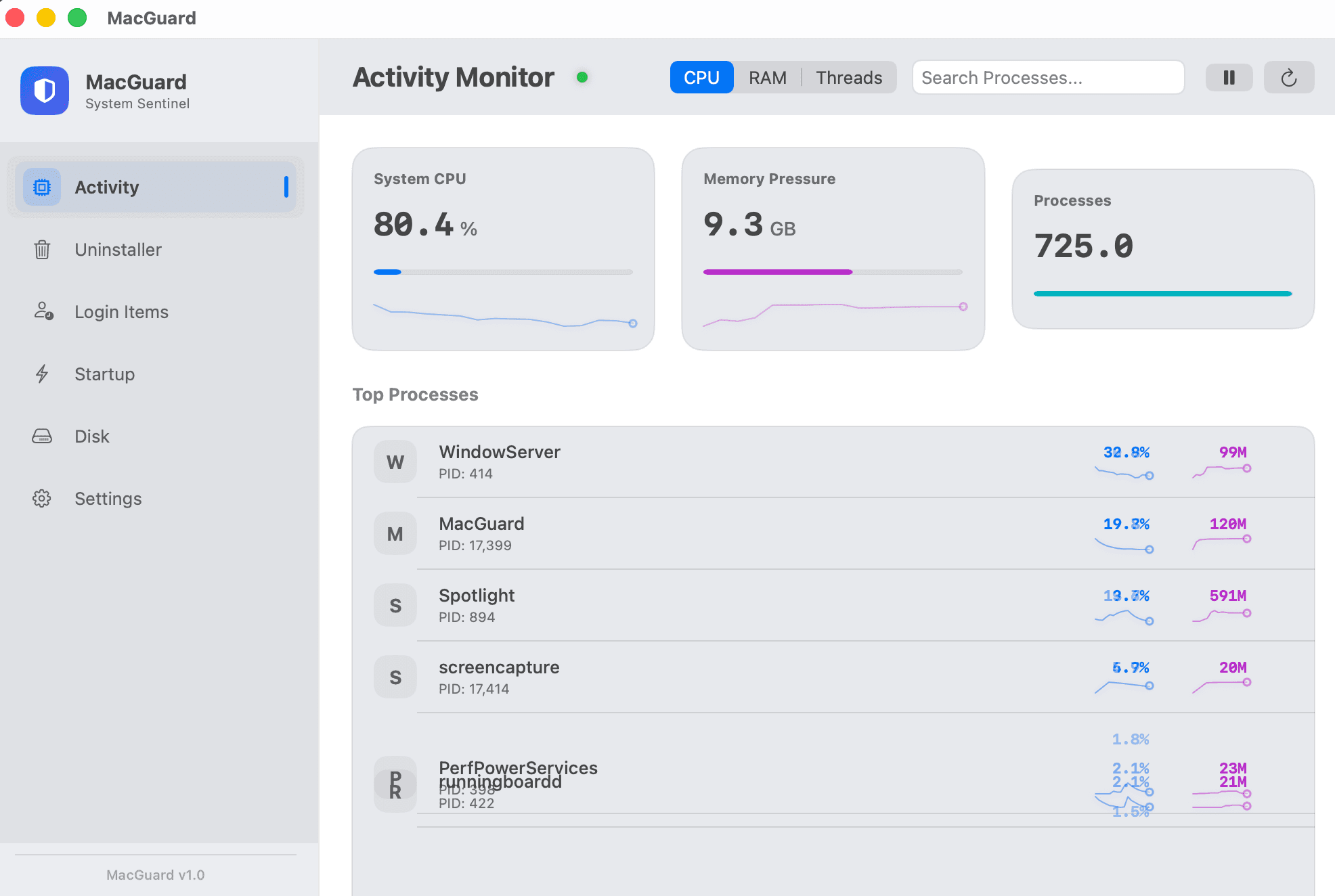
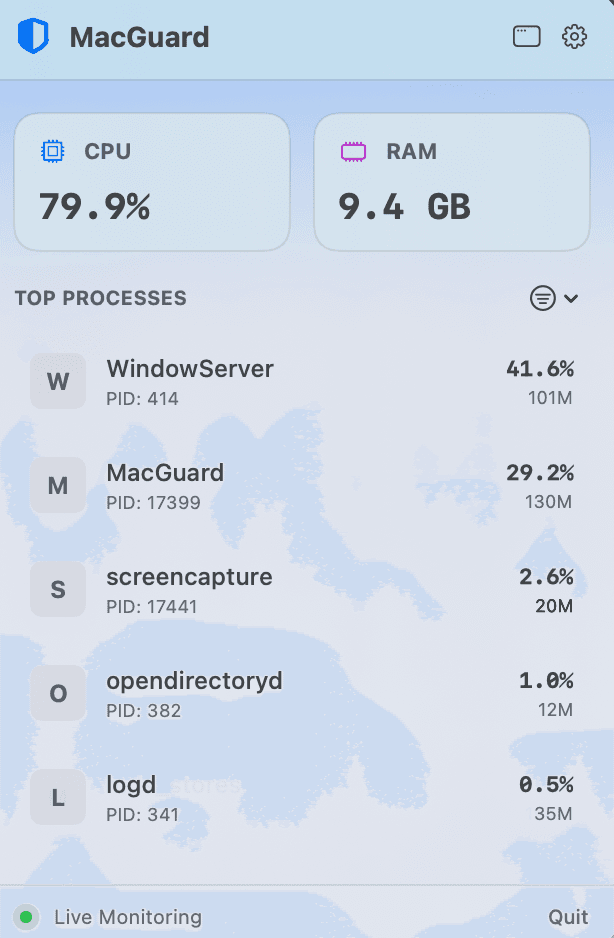
MacGuard was developed as an all-in-one native macOS utility that consolidates essential system management features into a single, intuitive interface. The application provides real-time system monitoring, intelligent app uninstallation with residual file cleanup, login item management with startup impact scoring, and an AI-powered disk analyzer that helps users understand and reclaim storage space—all without requiring a subscription.
Key
Features.
Real-Time Activity Monitor
Intelligent App Uninstaller
Login Items Manager
Startup Impact Scorer
AI-Powered Disk Analyzer
"MacGuard has become an essential tool in my Mac workflow. The ability to see exactly what's slowing down my startup and clean up residual files from old apps is invaluable. It's like having a personal Mac technician built into my system."
Project
Gallery.
Hover to focus